Scenario Analysis
Explore what-if outcomes instantly. Use toggles to switch assumptions, compare scenarios side-by-side, and understand how changes impact performance, cashflow and valuation - all without duplicating your model.
Watch: Run Scenarios in Seconds
Follow these steps to build scenarios, adjust assumptions and compare outputs instantly across your dashboards and reports.
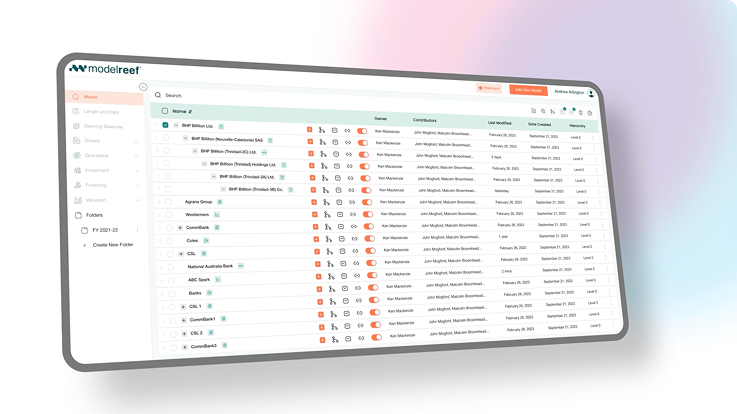
Step 1: Create Scenarios
Step 2: Adjust Assumptions
Step 3: Compare Outcomes
See the Difference Instantly
Before Model Reef, scenario analysis meant duplicating spreadsheets and rebuilding logic for every case. Now scenarios update instantly - clean, controlled and fully consistent across your model.
| Task | Before Model Reef | After Model Reef |
|---|---|---|
| Create Cases | Duplicate files | One-click scenarios |
| Change Assumptions | Rebuild formulas | Toggle drivers instantly |
| Compare Views | Manual side-by-side | Synced dashboards |
Explore multiple futures with zero spreadsheet duplication.
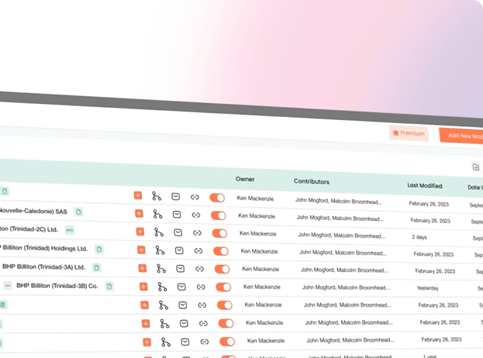
Instant What-If Insight
Model Reef lets you explore upside, downside and base cases dynamically - revealing the true impact of changed assumptions across performance, cashflow and valuation.

Clarity in decisions

Understand how each assumption affects your forecast instantly.
Accuracy you can trust

Scenarios always use the same model logic - no spreadsheet drift.
Speed that saves hours

Swap assumptions and compare scenarios in seconds.
Experience scenario analysis without the manual work.
Keep Learning, Keep Exploring
Every tutorial builds on the last - helping you understand how assumptions, drivers and structure work together to shape your outcomes.
Each new scenario deepens your insight into how performance, cashflow and valuation move under different conditions.
Explore the Features Behind This Workflow
Model Reef gives you real-time scenario tools that stay in sync with every assumption, driver and output in your model.
Real-Time Scenario Analysis

Toggle assumptions and explore outcomes instantly.
Driver-Based Modelling
Scenarios stay linked to the same underlying assumptions and logic.
Interactive Dashboards

See scenario differences clearly across charts and statements.
Real-Time Collaboration

Share scenarios with your team and compare insights together.
See the features that make scenario planning effortless.
Ready to Explore Your Scenarios?
Start your free 14-day trial and test your boldest assumptions in seconds - no duplication, no broken formulas, no stress.
Want to explore more? Compare plans