Drag in Excel. Export back out - instantly.
Model Reef works natively with Excel, letting you import existing models in seconds, automate them, and export updated results without losing formatting, structure, or logic.

Trusted by finance teams and analysts who want the freedom of Excel with the control of automation.
Excel and Model Reef - perfectly in sync.
Import workbooks in seconds, automate updates, run scenarios, and push results back to Excel - all without version chaos or broken formulas.

Step 1:
Drag and drop your Excel file

Import existing models, assumptions, or templates. Model Reef automatically detects structure, accounts, and calculations.
Step 2:
Work faster inside Model Reef

Your data becomes live - fully automated and ready for scenario analysis, collaboration, and real-time modelling.
Step 3:
Export updated results back to Excel

Push outputs, statements, and valuations back into Excel - perfectly formatted and instantly ready for board packs or investor reports.
Watch how Excel and Model Reef work together.
Keep Excel. Lose the manual work.
Model Reef gives you all the flexibility of Excel with none of the repetitive tasks. Bring assumptions in from Excel, update a single model, and keep every version accurate and consistent - instantly.
- 90% faster model updates and refresh cycles
- Zero broken formulas or mismatched files
- Seamless push and pull between Model Reef and Excel
Manual Consolidation vs. Model Reef
| Process | Without Reef | With Model Reef |
|---|---|---|
| Updating assumptions | Manual re-entry | Instant refresh across models |
| Version control | Email attachments | Live shared workspace |
| Exporting results | Manual formatting | Auto-export with consistent layout |
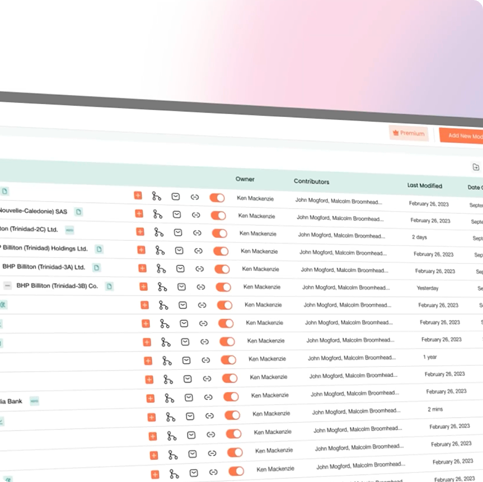
Ready to make Excel faster, smarter, and live?
Start your free 14-day trial or see how Model Reef brings real-time automation, collaboration, and structure to your existing Excel models.
Trusted by clients with over US$40bn under management.