Get Started with Model Reef
Watch these quick tutorials to create your first live model, explore the interface, and understand how Model Reef automates everything from data import to instant financial statements.

Your First Three Tutorials
These core tutorials introduce you to the fastest ways to build a model, connect your data, and generate insights instantly.
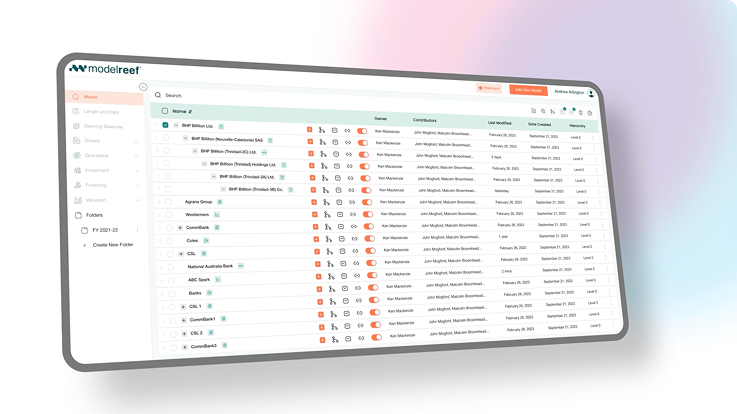
PDF & Excel to Model
Drag, drop, and automatically convert your files into a complete model - including P&L, Balance Sheet, Cash Flow and Cash Waterfall.
Xero to Model
Connect to Xero, import your accounts and period data, and generate a live model that stays updated as your ledger changes.
Stock Ticker to Model
Import historical market data and turn ticker series into economic variables you can use in valuation, sensitivities and model logic.
Once you’ve completed these tutorials, you’ll be ready to build and explore deeper layers of your model.
Expand Your Skills
Continue your learning journey with these next-level tutorial tracks that build on what you learned in Getting Started.
Model Structure
Learn how models are organised, how branches work, and how to structure divisions, projects and geographies cleanly.
Drivers, Variables & Formulas
Understand the building blocks of your model - from drivers to custom formulas - and how they power every calculation.
Charts, Reports and Scenarios
Visualise results, build dashboards, generate reports, and run what-if scenarios to understand the impact of assumptions.
See all tutorials and keep expanding your capabilities.
See How Teams Use Model Reef
From CFOs and founders to funds and advisors - discover how the skills you’ve just learned power real financial workflows across industries.
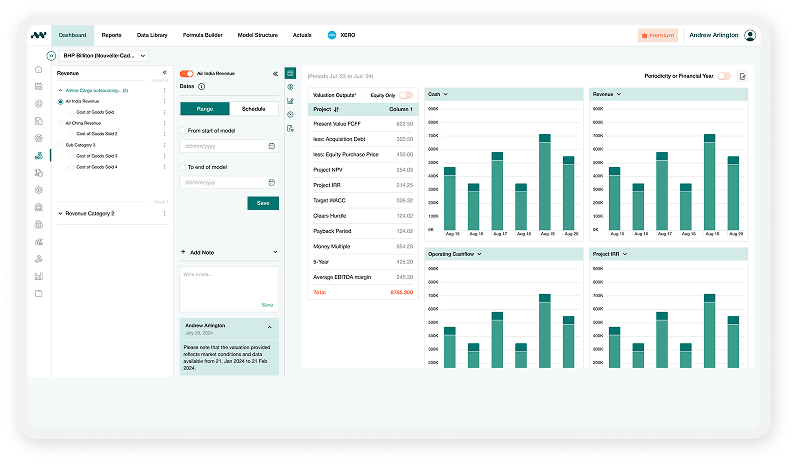
Ready to Build Your First Model?
Start your free 14-day trial and experience how Model Reef turns spreadsheets into live, interactive financial models in minutes.
Want to explore more? Compare plans.