Xero to Model
Connect your Xero ledger and instantly convert your chart of accounts and monthly actuals into a live, editable financial model - complete with three statements, dashboards, and synced assumptions.
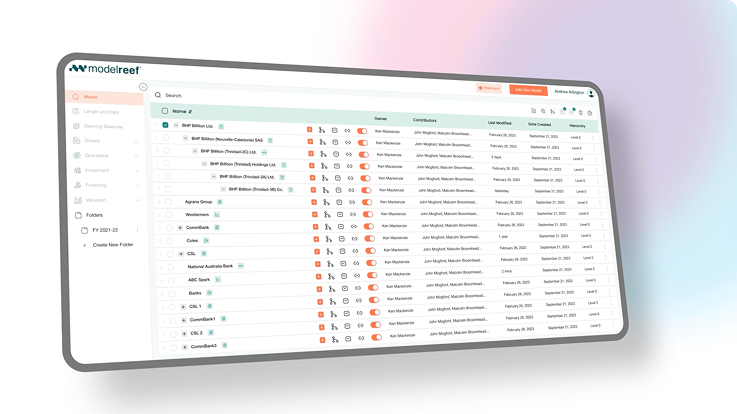
Watch: Connect Xero in Under a Minute
Follow these quick steps to connect your Xero account, map your categories, and generate a complete model powered by real accounting data.
Step 1: Connect Xero
Step 2: Map Accounts
Step 3: Generate Model
See the Difference Instantly
Before Model Reef, pulling Xero data into a model meant exporting spreadsheets, cleaning formats, and rebuilding formulas each month. Now your model stays in sync automatically - clean, accurate, and ready to analyse.
| Task | Before Model Reef | After Model Reef |
|---|---|---|
| Import Actuals | CSV exports | One-click sync |
| Map Accounts | Manual mapping | One-time smart mapping |
| Update Forecasts | Rebuild monthly | Live synced inputs |
Your accounting data becomes a live model in seconds.
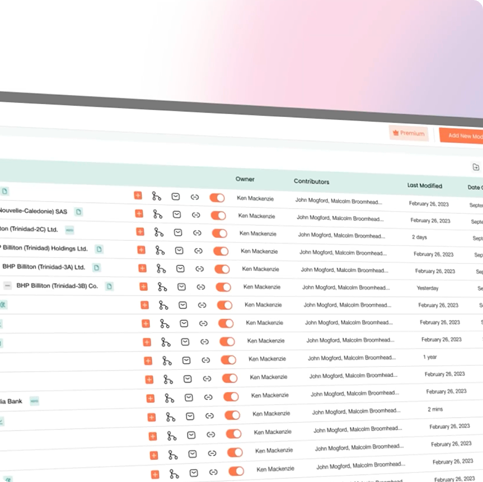
A Model That Stays in Sync
Model Reef keeps your accounting data and your financial model connected - giving you clarity, accuracy and confidence every month.

Clarity in decisions

Instantly see how real results flow through your statements and dashboards.
Accuracy you can trust

Your P&L, balance sheet and cashflow always reflect your latest Xero data.
Speed that saves hours

Skip exports and cleanup - refresh your model with one click.
Experience always-up-to-date modelling.
Keep Learning, Keep Exploring
Every tutorial builds on the last - helping you understand how live accounting data, model structure and assumptions connect across your model. Each new skill deepens your capability, giving you more clarity and confidence as your models evolve.
Explore the Features Behind This Workflow
Model Reef automates data syncing, structure, modelling and collaboration - so you can focus on decisions instead of spreadsheets.
Deep Integrations

Connect Xero once and sync actuals automatically.
Driver-Based Modelling
Blend real accounting results with forward-looking assumptions.
Real-Time Scenario Analysis

Test assumptions instantly and compare outcomes across all outputs.
Real-Time Collaboration

Share models, comment in context and work together seamlessly.
See all features that help you stay in sync.
Ready to Build Your First Model?
Start your free 14-day trial and sync your Xero data into a live financial model - no exports, no cleanup, no formulas.
Want to explore more? Compare plans